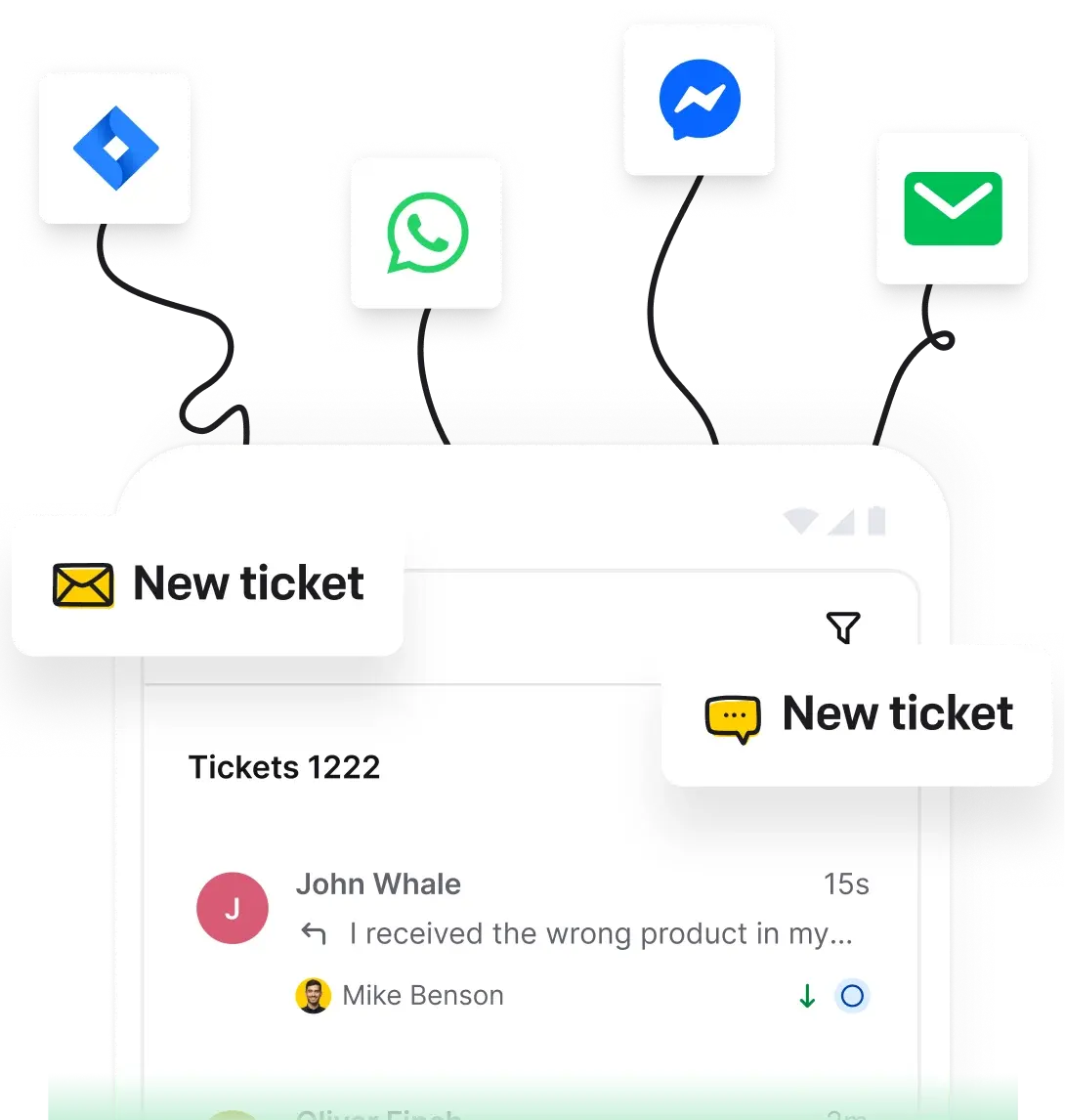
Manage tickets, route conversations, and resolve customer issues from one workspace.
Free 14-day trial 5-minute setup No credit card required
Summarize, tag, and route tickets without extra manual work.
Meets SOC 2, GDPR, CCPA, PCI DSS (SAQ A), and Data Privacy Framework standards.
Feel free to contact us around the clock when you need support or guidance.
Text products are trusted by 35,000+ leading brands





HelpDesk features:
 AI-powered features
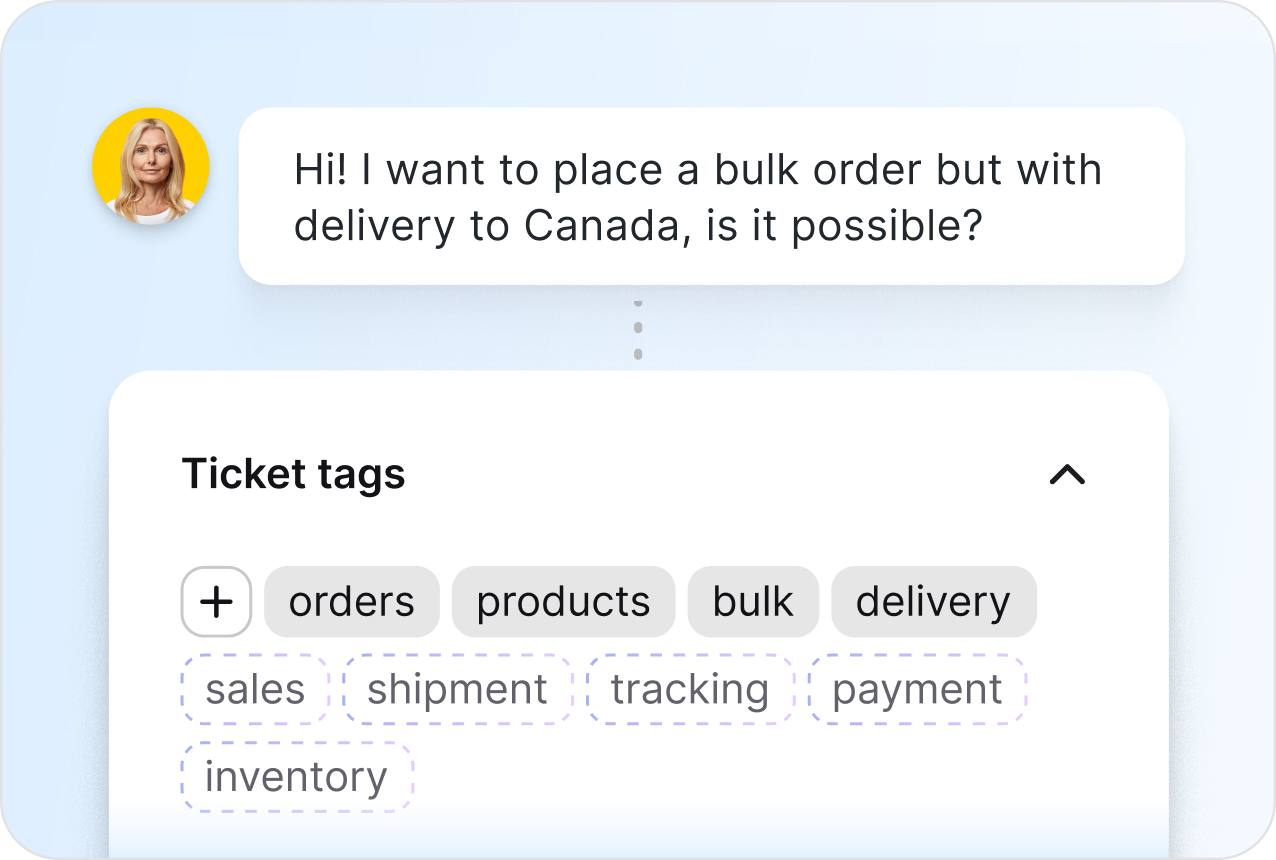
Keep tickets organized effortlessly with smart tag recommendations. Instantly categorize cases, improve tracking, and speed up resolutions with AI-powered tagging.
Find out moreUse AI to draft replies, summarize tickets, suggest tags, and move cases through the queue faster.
Try AIOr learn more about AI benefits
 Messaging booster
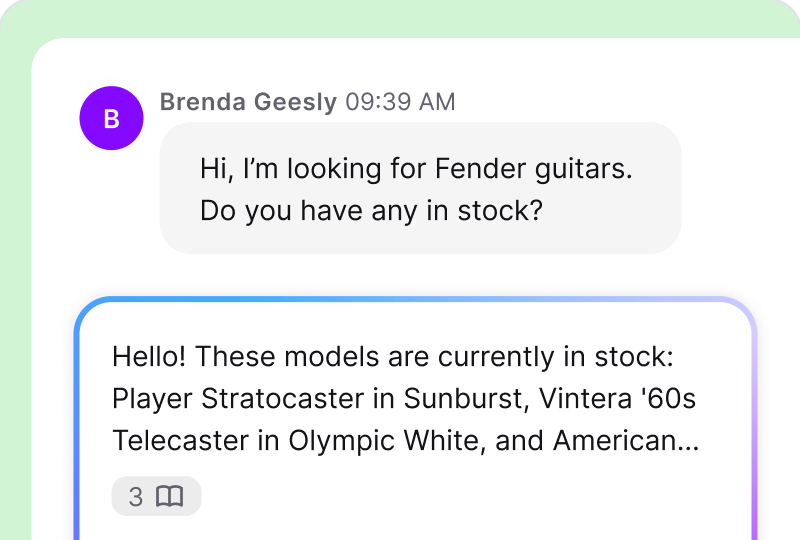
Use smart replies, generated from past ticket conversations. Quickly edit and send accurate responses, saving you time and effort.
Read more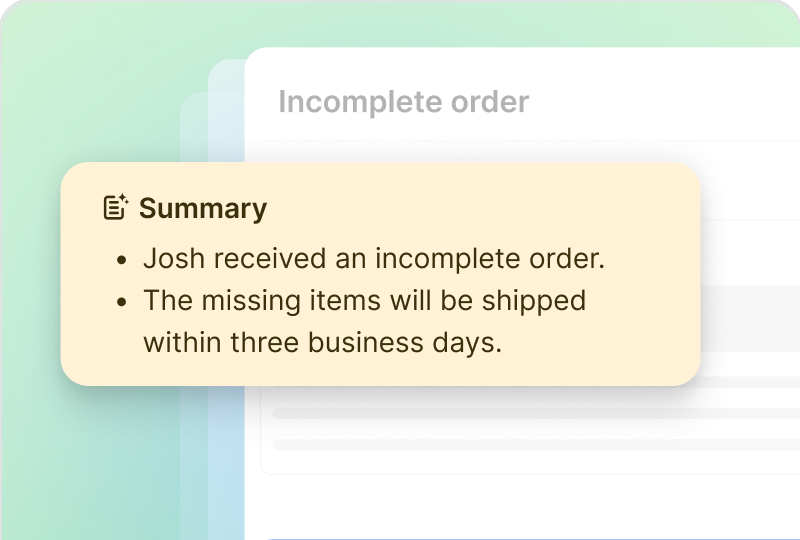
 Loved by our customers
See all the relevant ticket details at a glance like subject, main issue, solution progress, and suggested next steps. Get clear insights to move forward confidently.
Read more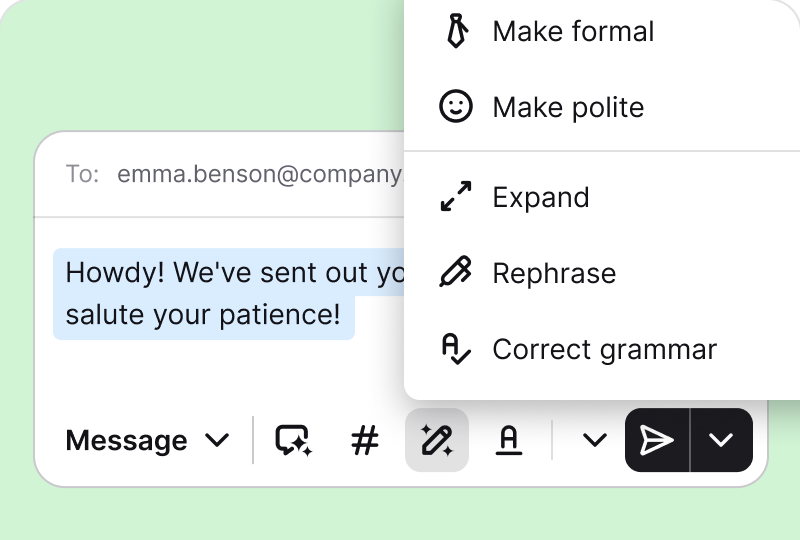
Adjust message tone to be formal, casual, or polite. Expand responses, fix phrasing, and correct grammar or spelling with one click for polished communication.
Read more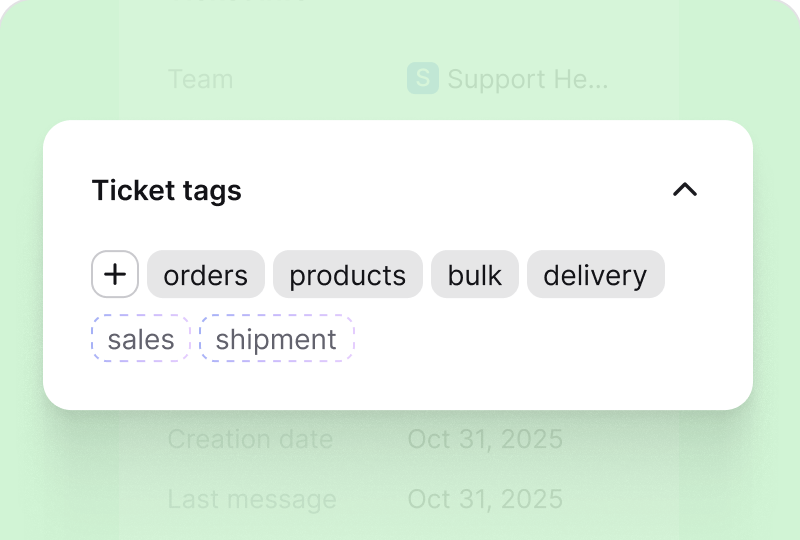
Get instant, relevant AI-based tag suggestions to categorize tickets effortlessly, track issues easily, and manage cases without the hassle.
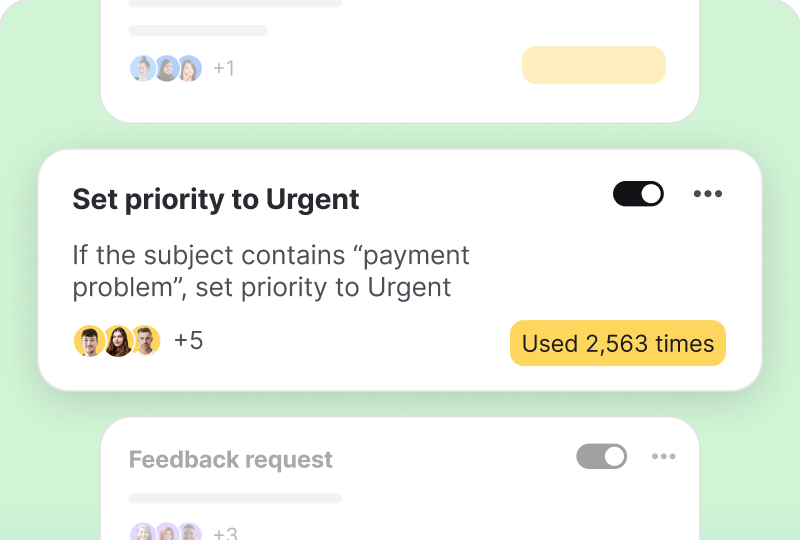
Read moreCreate rules that assign, tag, prioritize, and follow up on tickets automatically.
Try automationOr read more about automation
 Loved by our customers
Click out your automations and cut out repetitive and labor-intensive case resolution processes.
Read more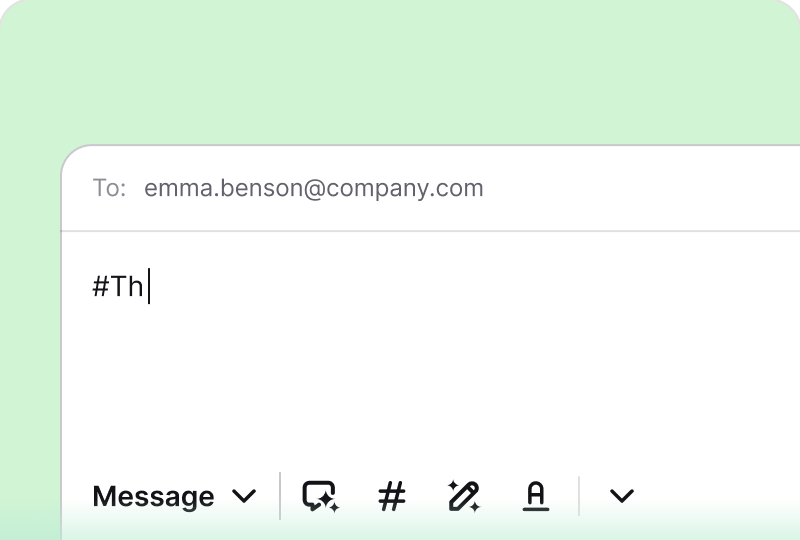
 Work booster
Save the most common responses and reuse them when needed to shift attention to more complex cases.
Read more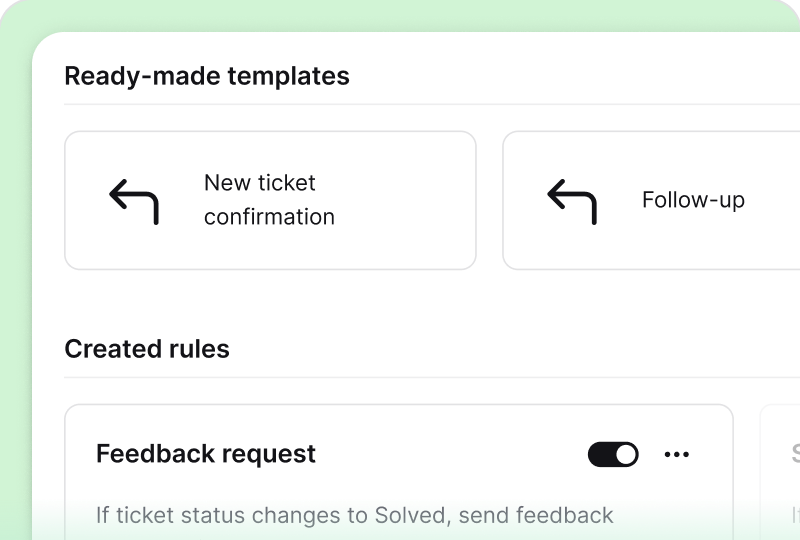
Need to speed up your work on the fly? Use the ready-made business rule templates to start quickly.
Read more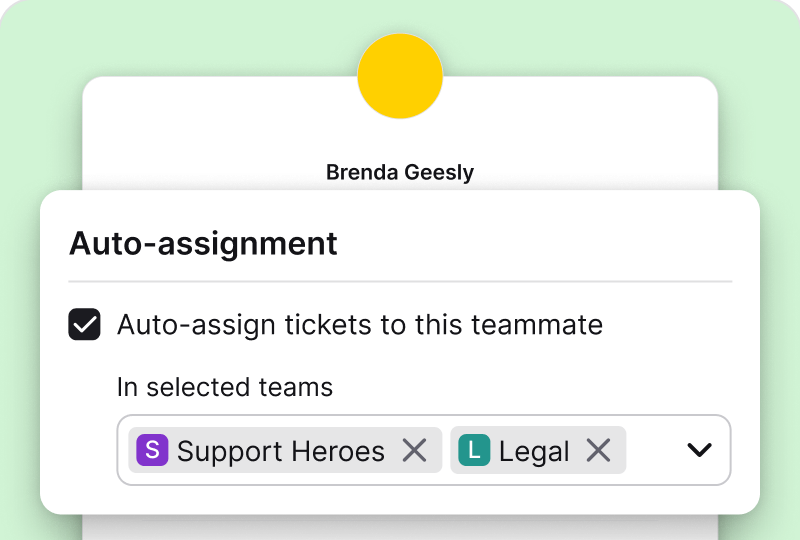 Work booster
Automatically distribute tickets on a round-robin basis. Avoid overloading and maintain an even workload.
Read more

Free 14-day trial Pre-set automation rules Canned responses
You'll be in
good company


The minute you create the automation rules, you can mark it as ready to go live, and it immediately starts working for you.Melissa Hannam,
100+
tickets are handled within four hours through prioritization and tagging.
7,000
actions performed by automation rules instead of agents.
Use one easy-to-navigate and feature-rich dashboard to work in an organized and timely manner.
Manage tickets with easeOr learn more about successful ticket management
 Managers' favorite
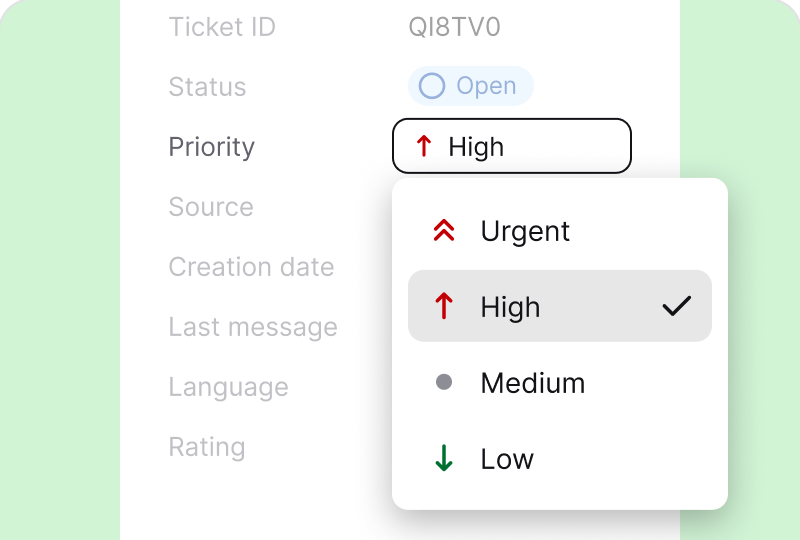
Use a convenient data set to differentiate support cases as you learn more about your recipient.
Read more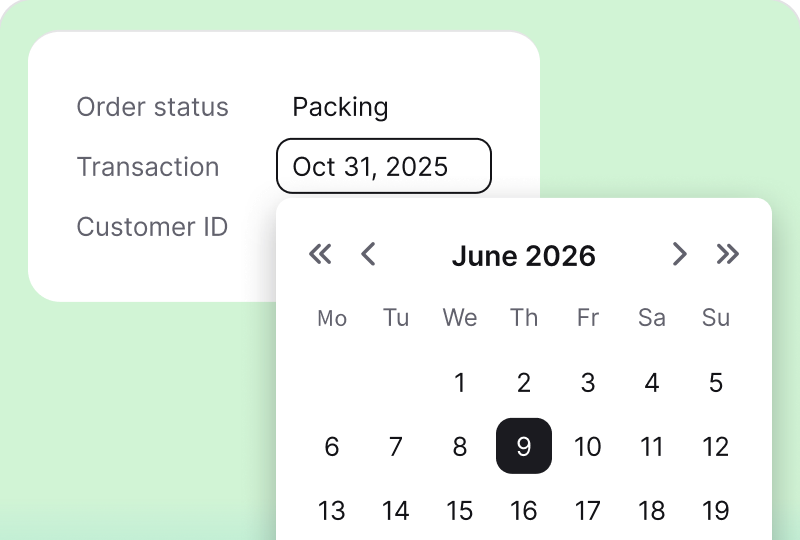
 CRM features
Detail your tickets with descriptive tags and configurable custom fields to reflect the actual situation.
Read more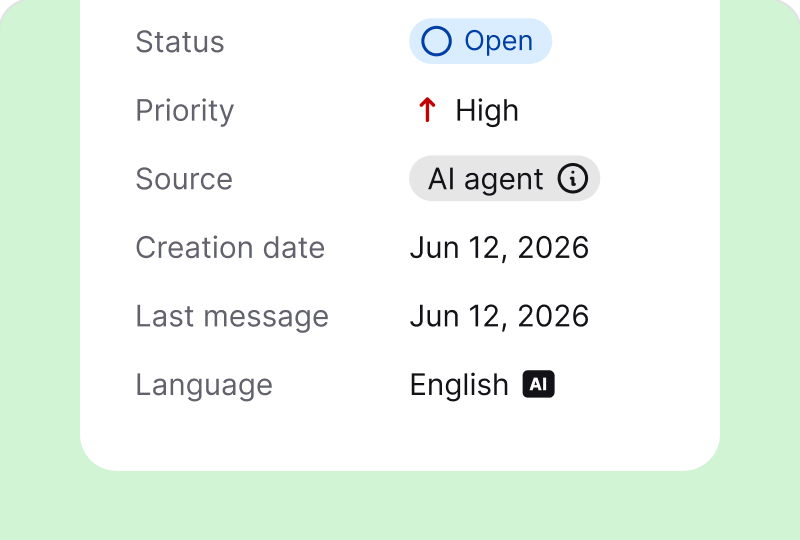
Use the detected language of the requester to route tickets, send custom responses, and streamline your assistance.
Read more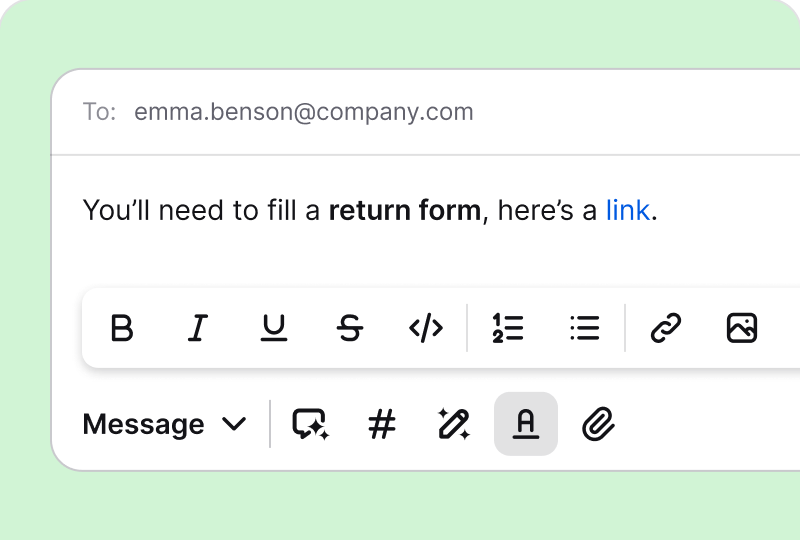
Shape your final message using AI-based text formatting, links, images, attachments, or even screen recordings.
Read more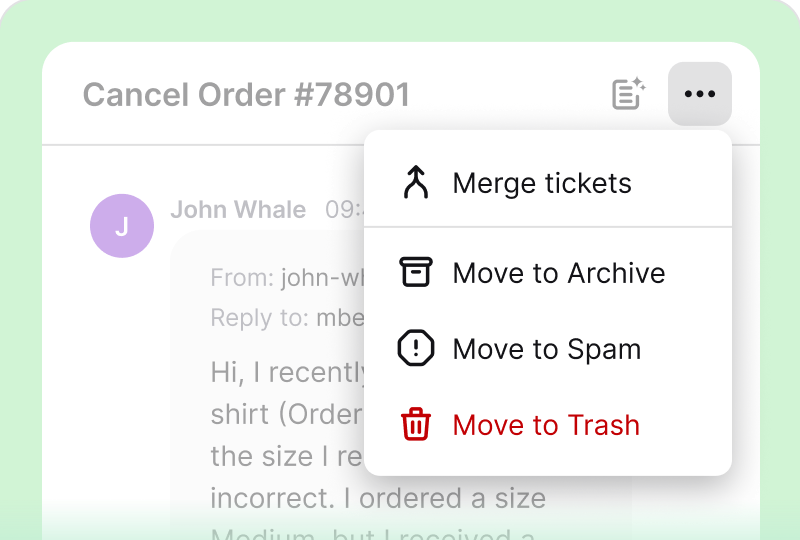
Use the available folders to keep your dashboard clean and filled with only relevant messages.
Read moreManage tickets in one workspace with assignments, collision detection, and shared context.
Resolve tickets togetherOr learn more about joys of structured teamwork
 Managers' favorite
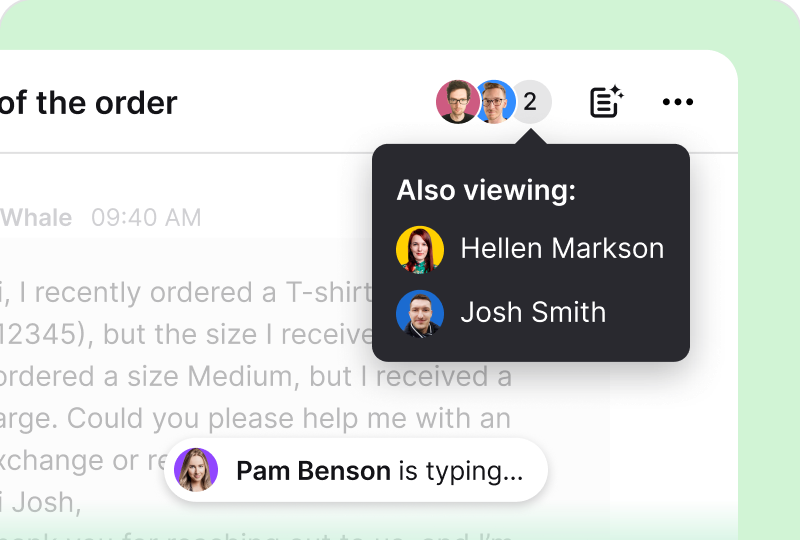
Respect each other's time and avoid multiple users working on the same case with a collision detector.
Read more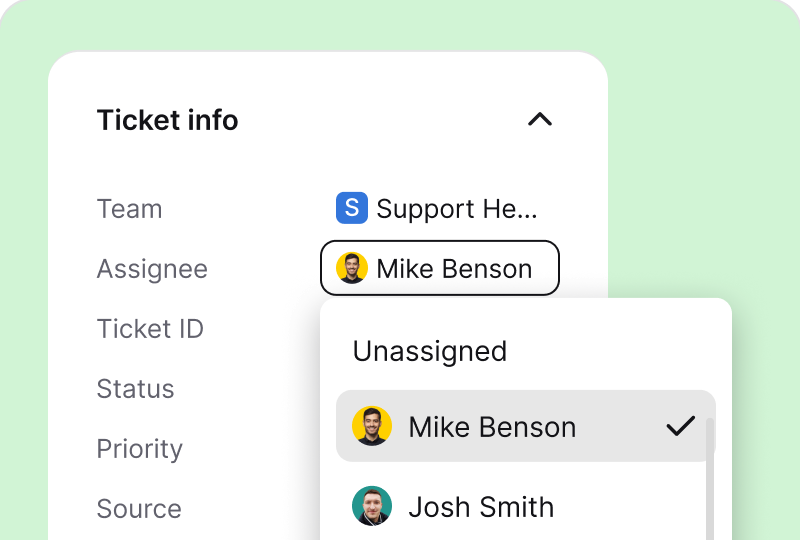
 Best for teamwork
Share support responsibilities fairly and according to your department, skills, and experience.
Read more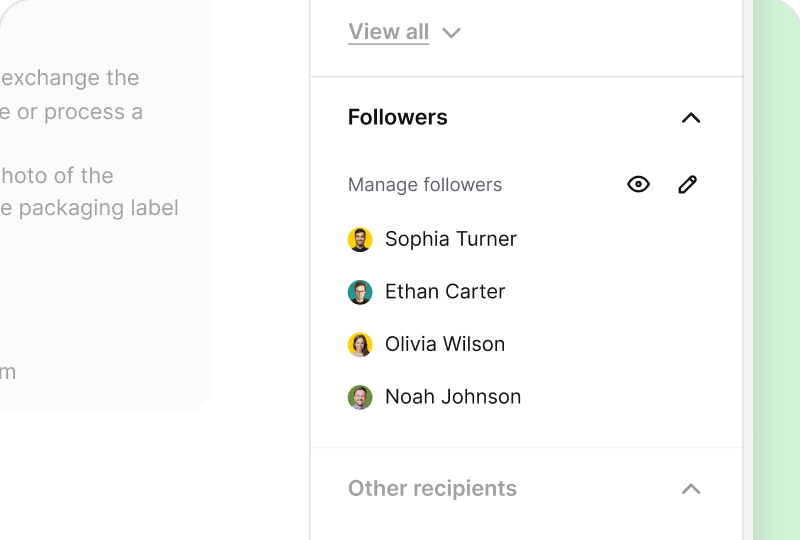
Secretly mention your teammate in the ticket so they can become a follower and assist you with the case.
Read more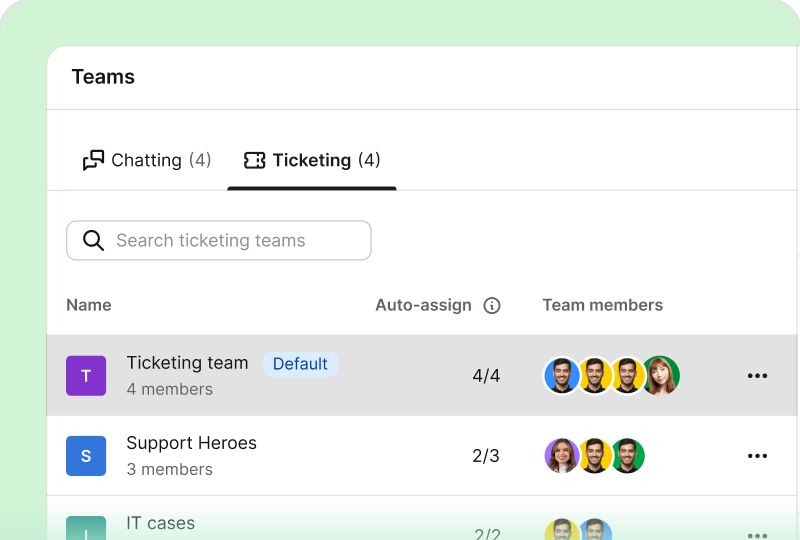
Unite your skillful co-workers into teams and assign them one of three roles: agent, admin, or viewer.
Read moreTrack ticket volume, response times, resolution trends, and team workload in reports.
Be guided by ticketing data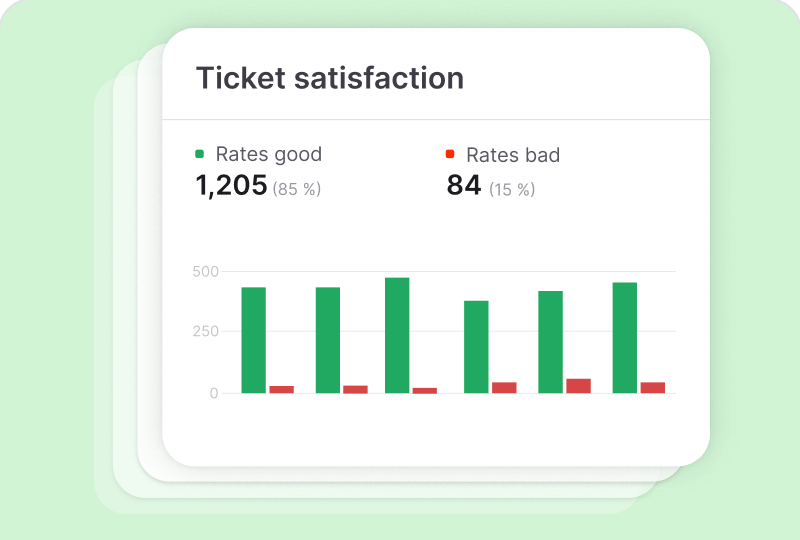
 Quantitative data
Learn the whole truth about your on-the-job performance and plan a growth strategy for your team.
Read more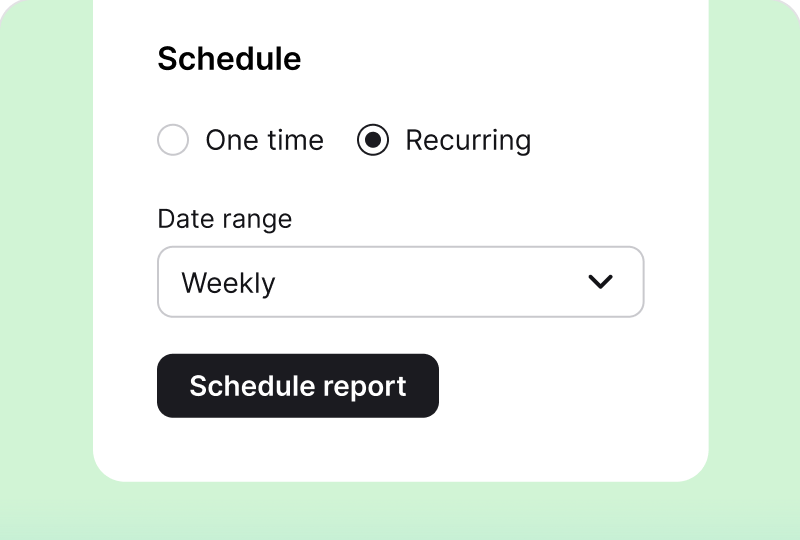
 Shareable results
Export a handy report of different time ranges and share successes with your fellow company members.
Read more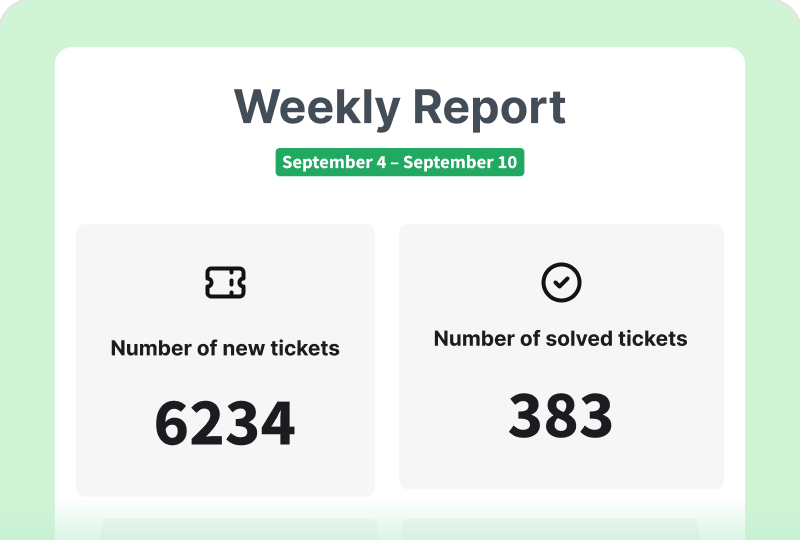 Managers' favorite
Stay up to date and get an overview of your team's achievements in a single message.
Read more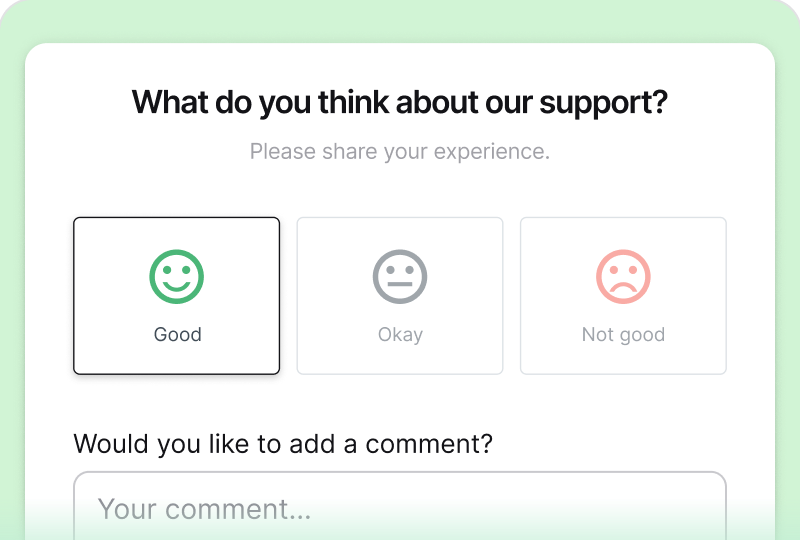
 Customer feedback
Review the collected feedback and see if you've met your goal of fulfilling the recipient's expectations.
Read more
 HelpDesk

Helpdesk does exactly what it says on the tin, no fuss! It's simple and clean interface makes dealing with tickets a breeze.Yan Schwitz S. on Capterra
HelpDesk
Helpdesk is easy to use and straight forward. It includes automations for sending messages.Chase on SoftwareAdvice
Free 14-day trial Automated routing Real-time reporting
You'll be in
good company
Keep your communication sharp, whether you're a local business, a mid-sized organization, or an enterprise.
Try ticketing personalization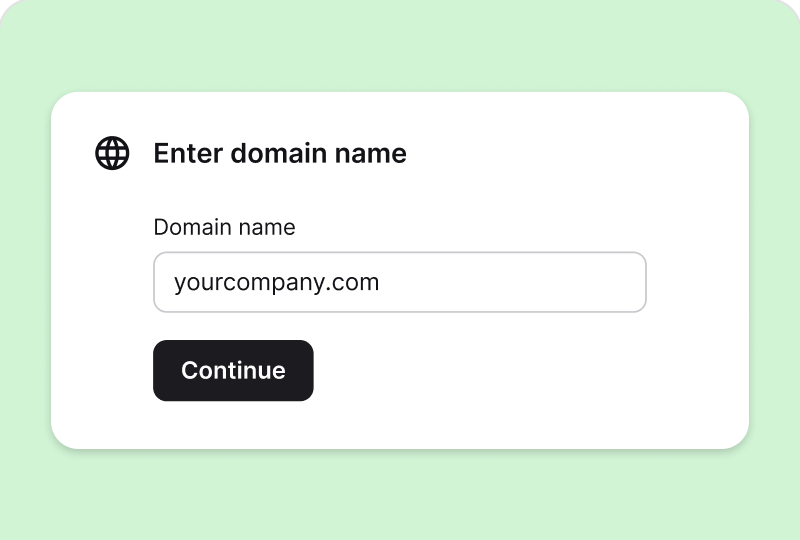
 Easy configuration
Set up a domain and reply address of your choice to increase the credibility of responses.
Read more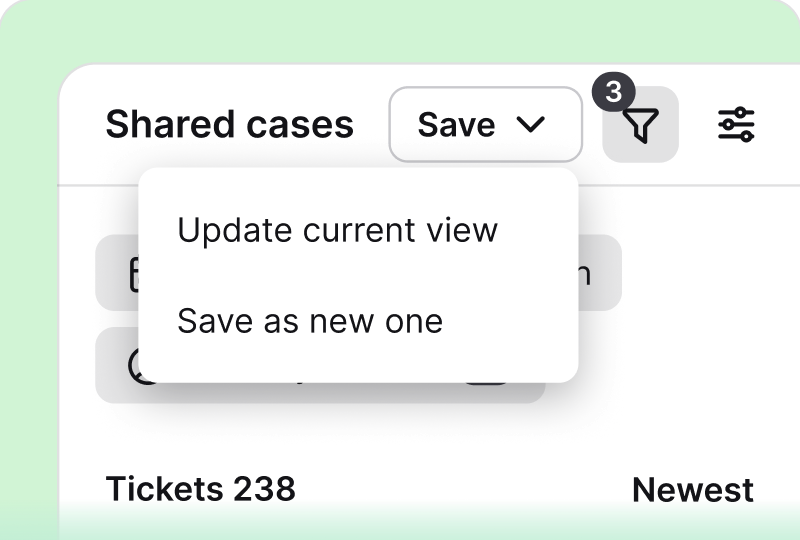 Work booster
Organize your work and that of your teammates by easily filtering the tickets you need to be on hand.
Read more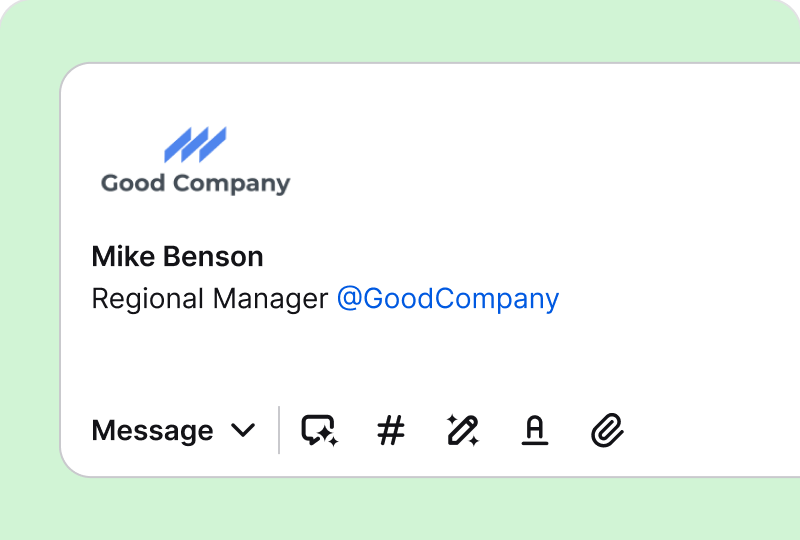
Create your personal signature to be automatically added to responses and build trust with the recipient.
Read more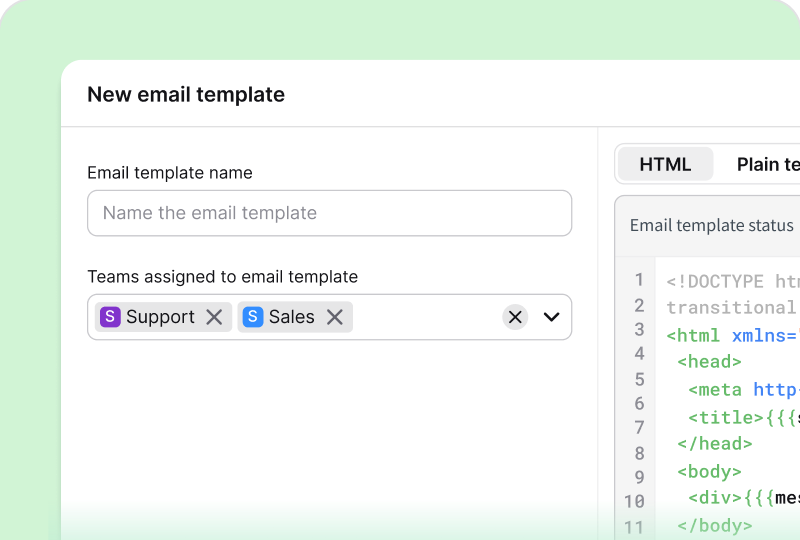
Personalize your communications and fully customize the visual appearance of the messages you send.
Read moreTake excellent care of your recipients and always be one step ahead with your response.
Communicate in HelpDesk
 Best for teamwork
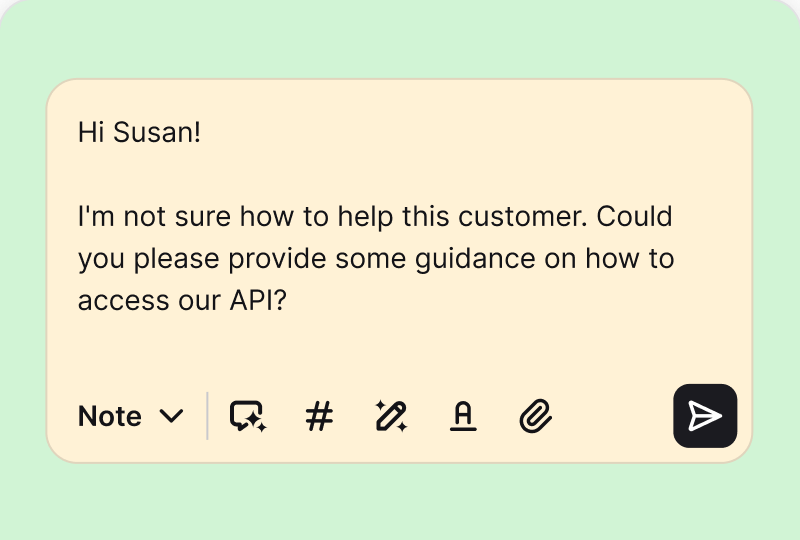
Switch to private mode to document your findings on a case or add quick notes for your teammates.
Read more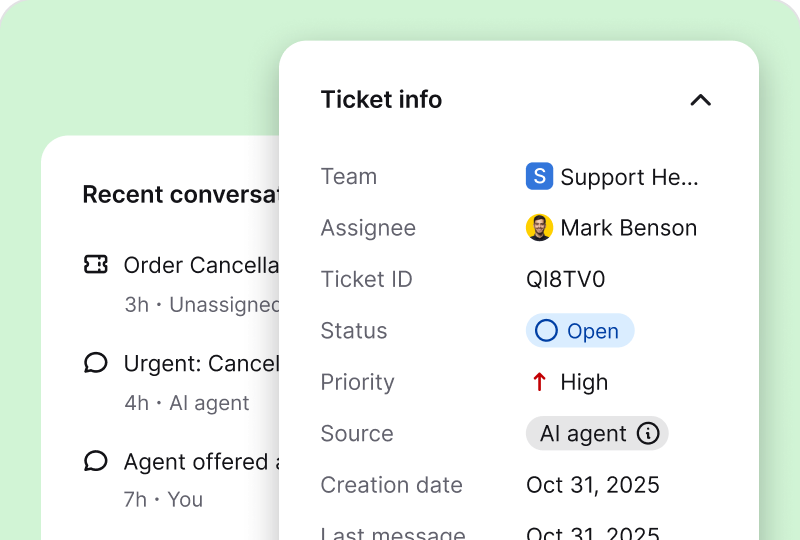
View the data-rich ticket details, which show all the ins and outs during your case resolution process.
Read more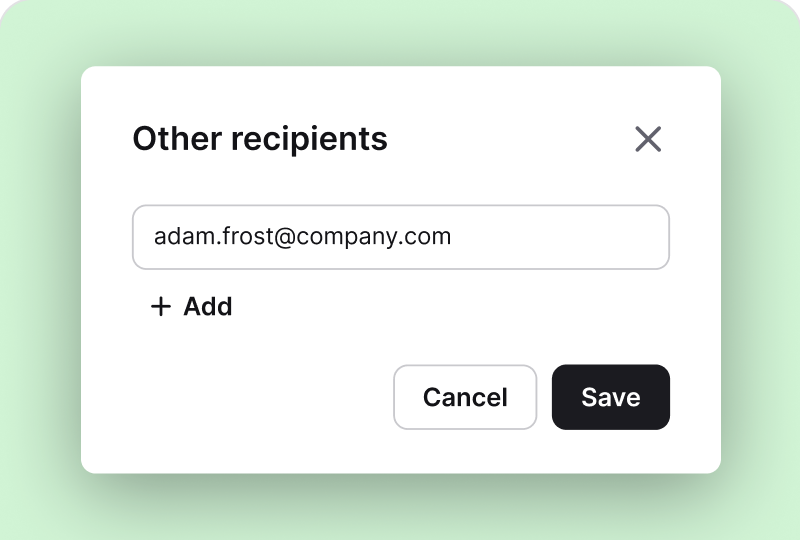
Reach multiple recipients and keep them informed by adding them to the loop in the message.
Read more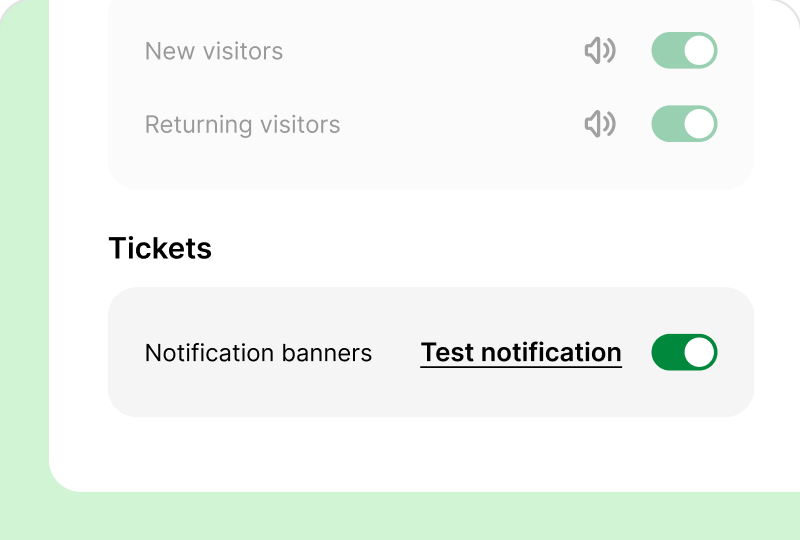
Get browser notifications for updates related to messages, private notes, and assignments.
Read moreKeep every customer message at your fingertips by bringing multiple digital channels together in one place.
Connect HelpDesk with your CRM, ecommerce tools, and internal systems using API and webhooks.
Go to API docsLet AI answer common questions first. When a case needs a person, it passes the conversation to your team with context.
Set up AI AgentChat with visitors in real time and turn any conversation into a ticket with the transcript attached.
Set up live chatConnect your support addresses and manage every customer email from one ticket queue.
Connect inboxBring messages from social channels into HelpDesk so your team can reply from one place.
Connect channelsTry an AI help desk built for faster ticket resolution
Free 14-day trial 5-minute setup No credit card required
You'll be in
good company